
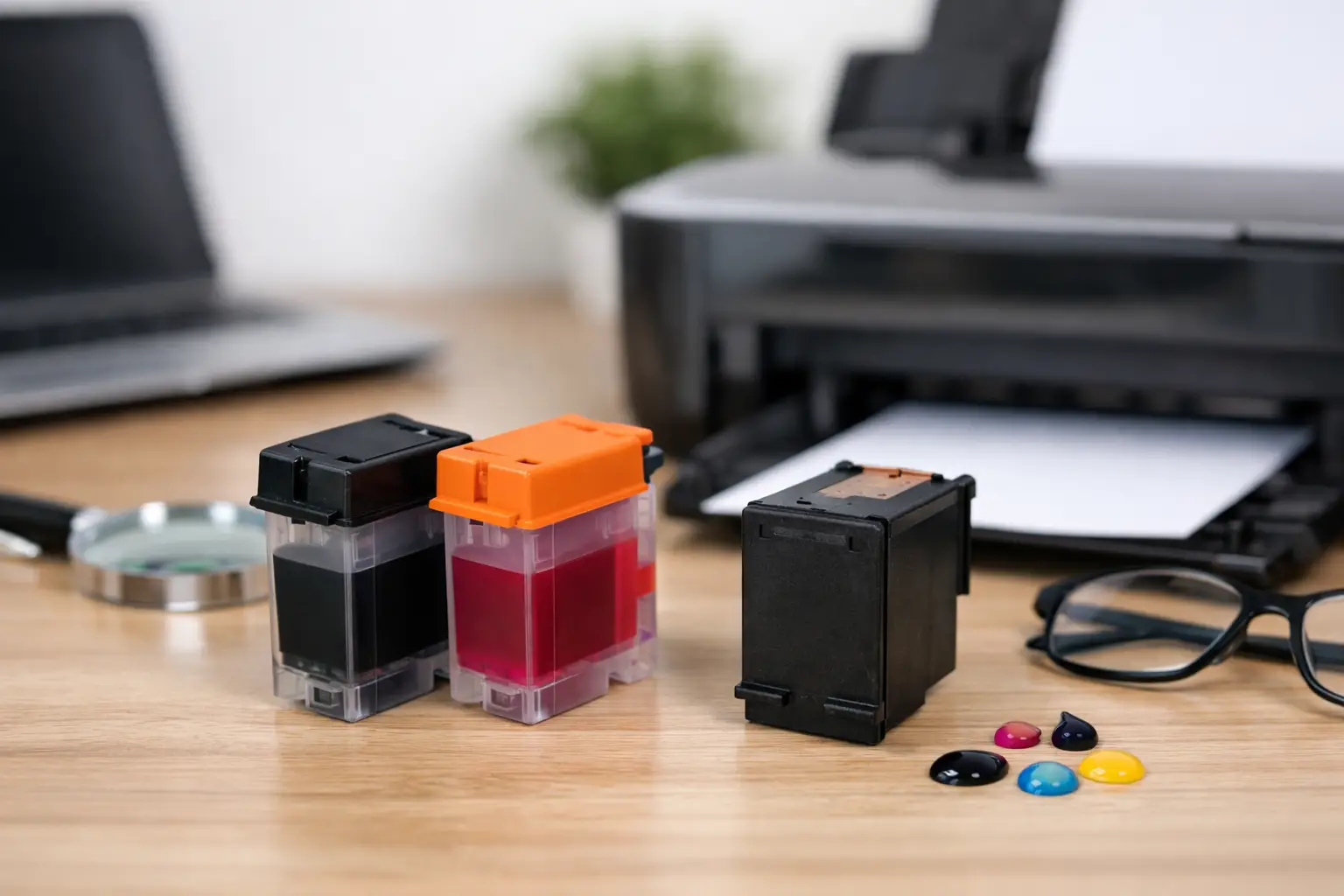
A printer can be inexpensive to buy and surprisingly expensive to keep running. That is why a compatible ink cartridge review should focus on more than the price on the box. The real question is whether a replacement cartridge fits your exact printer, produces dependable pages, and saves enough money to make the switch worthwhile.
For home printing, school assignments, invoices, shipping labels, and everyday office documents, compatible cartridges can be a practical alternative to brand-name OEM cartridges. The best choice depends on what you print, how often you print, and how carefully you match the cartridge to your printer model.
What Is a Compatible Ink Cartridge?
A compatible ink cartridge is a newly manufactured cartridge made by a third-party supplier for use in a specific printer series. It is designed to work like the original cartridge from the printer manufacturer, but it is not made or branded by that manufacturer.
This is different from a refilled cartridge. A refill may use a previously used cartridge shell, while a compatible cartridge is typically built as a new replacement unit. Both can lower printing costs, but new compatible cartridges are often the simpler option for buyers who want a ready-to-install replacement.
Compatible cartridges are available for many popular Brother, Canon, Epson, and HP printer models. The key is not simply choosing the right printer brand. You must match the cartridge number and the supported printer model before ordering.
Compatible Ink Cartridge Review: The Benefits That Matter
The most obvious benefit is cost. Original cartridges can make up a large share of a printer’s lifetime cost, especially for families, students, and small businesses that print regularly. Compatible options can reduce the price per cartridge and, in many cases, provide more pages for the money.
That saving matters most when printing routine documents. If your printer is producing invoices, forms, worksheets, packing slips, or black-and-white reports, paying a premium for every replacement may not make business sense. A reliable compatible cartridge gives you a more predictable supply cost without requiring a different printer.
Print quality is the next concern, and it deserves a realistic answer. Quality compatible cartridges can produce sharp text, clear lines, and solid color for everyday use. On plain paper, many users will find the difference from OEM ink difficult to notice in ordinary documents.
However, the result depends on the cartridge, printer condition, paper, and print setting. A photo printed on premium glossy paper for a framed display is a more demanding job than a school handout. For professional photography, color-critical design proofing, or archival prints, OEM ink may still be the safer choice because its color behavior and long-term performance are tested specifically for that printer.
Where Compatible Cartridges Work Best
Compatible ink is a strong fit for high-volume, practical printing. Home offices can use it for correspondence and records. Small businesses can use it for quotes, receipts, internal paperwork, and customer documents. Families can keep a dependable supply on hand for homework, forms, and occasional color printing.
It can also be a smart purchase for printers that use separate color cartridges. Instead of replacing a full combined color unit, you can replace the individual color that has run low, provided your printer uses that cartridge system. This reduces waste and helps control spending.
The best value often comes from buying before your current cartridge is completely empty. Keeping a spare compatible cartridge at home or at work avoids the familiar last-minute problem: an urgent document needs printing, but the nearest replacement is expensive or unavailable.
The Trade-Offs to Consider Before Buying
Compatible cartridges are not identical across every supplier. Low price alone does not guarantee good results. A poorly made cartridge may leak, show inconsistent color, fail to register in the printer, or deliver fewer pages than expected. That is why the seller’s product range, compatibility information, and return policy matter.
Some printers may display a message that a non-OEM cartridge has been installed. This does not always mean the cartridge will not work. It can simply be the printer recognizing that the replacement is not from the original manufacturer. Follow the installation instructions, make sure protective clips or tape have been removed, and allow the printer a moment to recognize the cartridge.
Printer firmware can also affect third-party cartridge recognition, particularly on some newer models. Before purchasing, check the cartridge listing against your exact printer model rather than relying on a similar-looking cartridge number. If your printer has recently received an update and begins showing a recognition error, contact the supplier before trying to force the cartridge into place.
There is also a warranty concern that shoppers often hear about. Using a compatible cartridge does not automatically cancel a printer warranty. Still, if a printer develops a fault, the manufacturer may investigate whether the cartridge caused that specific issue. Buying from a supplier that stands behind its products gives you a clearer path to support if a cartridge is defective.
How to Choose the Right Compatible Cartridge
Start with the cartridge code shown on your current cartridge or in your printer manual. Cartridge names can be confusing because a single printer brand uses many different cartridge families. A cartridge that looks nearly identical may still have a different chip, fit, or ink formulation.
Next, confirm your exact printer model. Do not stop at the product family name. For example, a printer line may include several models that use different cartridges depending on the region, production year, or features. Matching both the cartridge code and printer model is the safest approach.
Then think about yield. Standard-yield cartridges are suitable for lighter printing, while high-yield or XL cartridges can be the better value for frequent use. The upfront price of an XL cartridge may be higher, but its cost per page is often lower. If you print only a few pages each month, a standard option may be enough and may reduce the chance of ink sitting unused for too long.
Finally, buy from a retailer that makes compatibility clear and provides straightforward support. Inktoner Cartridge, for example, offers compatible supplies across major printer brands and backs purchases with a 14-day refund, return, or replacement policy. That kind of protection is useful when you are trying a compatible option for the first time.
Getting Better Results From Compatible Ink
Good cartridge performance starts with proper installation. Remove packaging carefully, take off the protective strip or cap only when you are ready to install, and avoid touching electrical contacts or ink nozzles. Insert the cartridge firmly but do not force it.
If the printer has been unused for several weeks, run a nozzle check or cleaning cycle after installation. Dried ink in the print head can cause streaks or missing colors, even when the new cartridge is working properly. One cleaning cycle is usually enough to start. Repeated cleaning cycles consume ink, so use them only when the print test shows a problem.
Paper quality also has a bigger effect than many buyers expect. Basic office paper is ideal for text and simple graphics, while heavier paper or photo paper helps color images look cleaner and more saturated. Select the correct paper setting in the printer menu so the printer applies the right amount of ink.
Store spare cartridges in a cool, dry location away from direct sunlight. Keep them sealed until needed, and use older stock first. If you print infrequently, run a small test page every few weeks to keep ink moving through the printer.
Are Compatible Ink Cartridges Worth Buying?
For most routine printing, the answer is yes, provided you buy the correct cartridge from a dependable supplier. The cost savings can be meaningful, particularly for households and businesses that replace ink several times a year. You are not paying less because you have to accept poor everyday documents. A well-made compatible cartridge should handle the work most printers are bought to do.
The exception is specialized printing where exact color matching, premium photo output, or long-term archival performance is the priority. In those cases, original manufacturer ink may justify the added cost. For everything else, compatibility, seller support, and sensible printer care matter more than the logo printed on the cartridge box.
Before your next replacement runs out, check the cartridge number, confirm your printer model, and keep a spare ready. A compatible cartridge can turn printing from an expensive interruption into a routine supply purchase that fits your budget.