
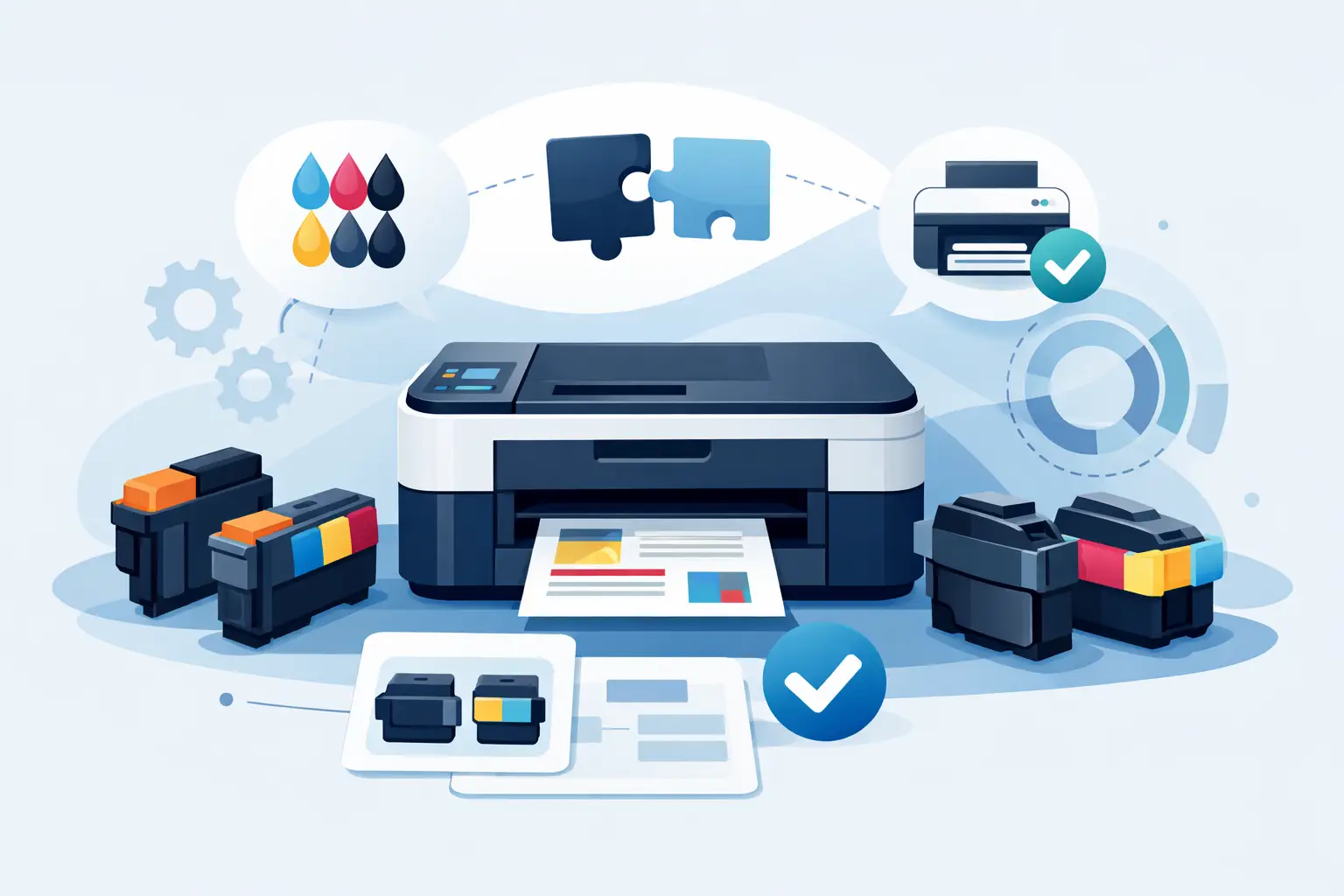
A cartridge that looks almost identical to your old one can still be the wrong fit. Brother printer cartridge compatibility comes down to the exact printer series, cartridge code, and, for laser machines, whether you also need a separate drum unit. Checking those details before you order is the simplest way to avoid delays, returns, and a printer sitting idle when you need it most.
For homes, home offices, and busy small businesses, the goal is straightforward: get dependable print results without paying more than necessary. Compatible Brother ink and toner cartridges can be an affordable, reliable choice when they are matched correctly to the printer model and purchased from a supplier that stands behind the product.
What Brother Printer Cartridge Compatibility Means
Compatibility means a cartridge is designed to work with a specific group of Brother printers. It does not mean every Brother cartridge fits every Brother printer. The brand has many printer ranges, and cartridges are shaped, chipped, and programmed for particular models.
The cartridge code is your most useful starting point. On an inkjet printer, you may see a code beginning with LC, such as LC series cartridges. Brother laser printers typically use toner codes beginning with TN and drum unit codes beginning with DR. The letters and numbers are not interchangeable, even when the cartridges use the same color or appear similar in size.
A compatible cartridge is a third-party replacement made to fit the relevant Brother printer model. It is not a used cartridge and it is not necessarily a refilled original cartridge. Quality compatible supplies are manufactured to meet the functional requirements of the printer, helping customers reduce routine printing costs while maintaining clear, dependable output.
Start With Your Printer Model, Not the Cartridge Color
Black, cyan, magenta, and yellow are only color labels. They do not confirm fit. Before ordering, locate the full Brother printer model number, usually printed on the front or top of the machine. It may also appear in the printer settings menu, on a label at the rear, or in the software installed on your computer.
Then compare that model number with the compatibility information listed for the cartridge. A product may fit several printers within one family, but it should explicitly include your model. This is especially useful if your printer has a similar name to another version, such as a wireless or multifunction variant.
If you are replacing an existing cartridge, read the code on its label as well. Matching both the printer model and the cartridge code gives you the strongest confirmation. It takes less than a minute and can save a great deal of frustration.
Inkjet cartridges: standard versus high yield
Many Brother inkjet printers accept both standard-yield and high-yield versions of the same cartridge family. The high-yield option generally holds more ink and prints more pages, while fitting the same printer as the standard version.
For occasional home printing, a standard cartridge may suit your budget and usage. For schoolwork, invoices, shipping documents, or frequent color printing, high-yield cartridges often provide better value per page. The right choice depends on how regularly you print and whether you would rather pay less upfront or replace cartridges less often.
Do not assume every high-yield cartridge fits your printer simply because it has a familiar code. Confirm the exact series first. Brother has released different cartridge generations over time, and those generations can look deceptively close.
Laser printers: toner and drum units do different jobs
Brother laser printer owners often need to replace two separate consumables: toner and the drum unit. Toner contains the powder that forms text and images on the page. The drum unit transfers that toner to the paper. They work together, but they are not the same product.
A toner cartridge may need changing several times before the drum unit reaches the end of its service life. If your printouts are faint, streaky, marked with repeating spots, or showing a drum warning, replacing toner alone may not resolve the issue. Check the printer display and the status message before ordering.
This is one area where compatibility matters most. A TN toner cartridge must match the printer’s specified toner family, while the DR drum unit must also match that printer range. Buying the correct toner but an incorrect drum can still leave you unable to print.
Why Region and Firmware Can Matter
Brother cartridge codes can vary by sales region. A cartridge reference used in one country may not always match the code used for a comparable printer sold elsewhere. For that reason, rely on the cartridge number printed on your current supply and the local compatibility listing rather than a generic result found online.
Printer firmware can also affect how a machine recognizes replacement cartridges. Firmware is the software inside the printer, and updates may change prompts or cartridge-detection behavior. Most compatible cartridges are designed for supported models, but it is wise to avoid unnecessary firmware updates if your printer is working properly with a compatible supply.
If the printer displays a message after installation, remove and reinsert the cartridge carefully. Check that all protective clips, seals, or tape have been removed, and make sure the cartridge is in the correct color slot. On laser printers, resetting the toner or drum counter may also be required after replacement, depending on the model.
A Simple Check Before You Buy
Use this practical process every time you order Brother supplies:
- Find the complete printer model number on the machine.
- Read the cartridge code on the current ink, toner, or drum unit.
- Confirm your exact model appears in the product compatibility details.
- Choose standard or high yield based on your print volume.
- For laser printers, check whether you need toner, a drum unit, or both.
For a home printer, buying a multipack can be a sensible way to keep all colors available and reduce the chance of running out before an important assignment or form is due. For offices, keeping one spare black cartridge and a backup set of color cartridges helps prevent routine work from stopping unexpectedly.
Common Compatibility Mistakes to Avoid
The most common mistake is ordering by printer brand alone. “Brother ink” or “Brother toner” is too broad because the product range is extensive. Always purchase by the full printer model or confirmed cartridge code.
Another mistake is replacing a drum unit when the printer only needs toner, or replacing toner when the drum has reached the end of its life. Read the display message carefully. A “replace toner” alert and a “replace drum” alert require different products.
Customers also sometimes keep cartridges for years before installing them. Store unopened supplies in a cool, dry place away from direct sunlight, and use them within the recommended storage period. Ink cartridges can dry out over time, while poor storage conditions can affect toner performance.
Finally, do not force a cartridge into the printer. The correct cartridge should slide into place with normal, gentle pressure. If it does not fit, stop and recheck the code. Forcing it can damage the cartridge holder or create an avoidable mess.
Compatible Supplies Can Lower Everyday Print Costs
Original Brother supplies are designed by the printer manufacturer, but compatible alternatives give budget-conscious households and businesses another practical option. The key is choosing a reputable compatible cartridge that clearly states the supported printer models and is backed by a fair return or replacement policy.
At Inktoner Cartridge, customers can shop by printer brand, cartridge family, and model to make the matching process easier. Reliable compatible ink, toner, and drum options help reduce the cost of regular printing while keeping school, home-office, and business tasks moving.
The lowest upfront price is not always the best value. Consider page yield, the number of cartridges in a pack, print frequency, and the supplier’s support if an item is not right for your machine. A cartridge that costs a little more but delivers substantially more pages can be the better purchase over time.
Before placing your next order, take a photo of your printer model and current cartridge code. Keep it on your phone, and finding the right Brother replacement will be quick when printing cannot wait.