
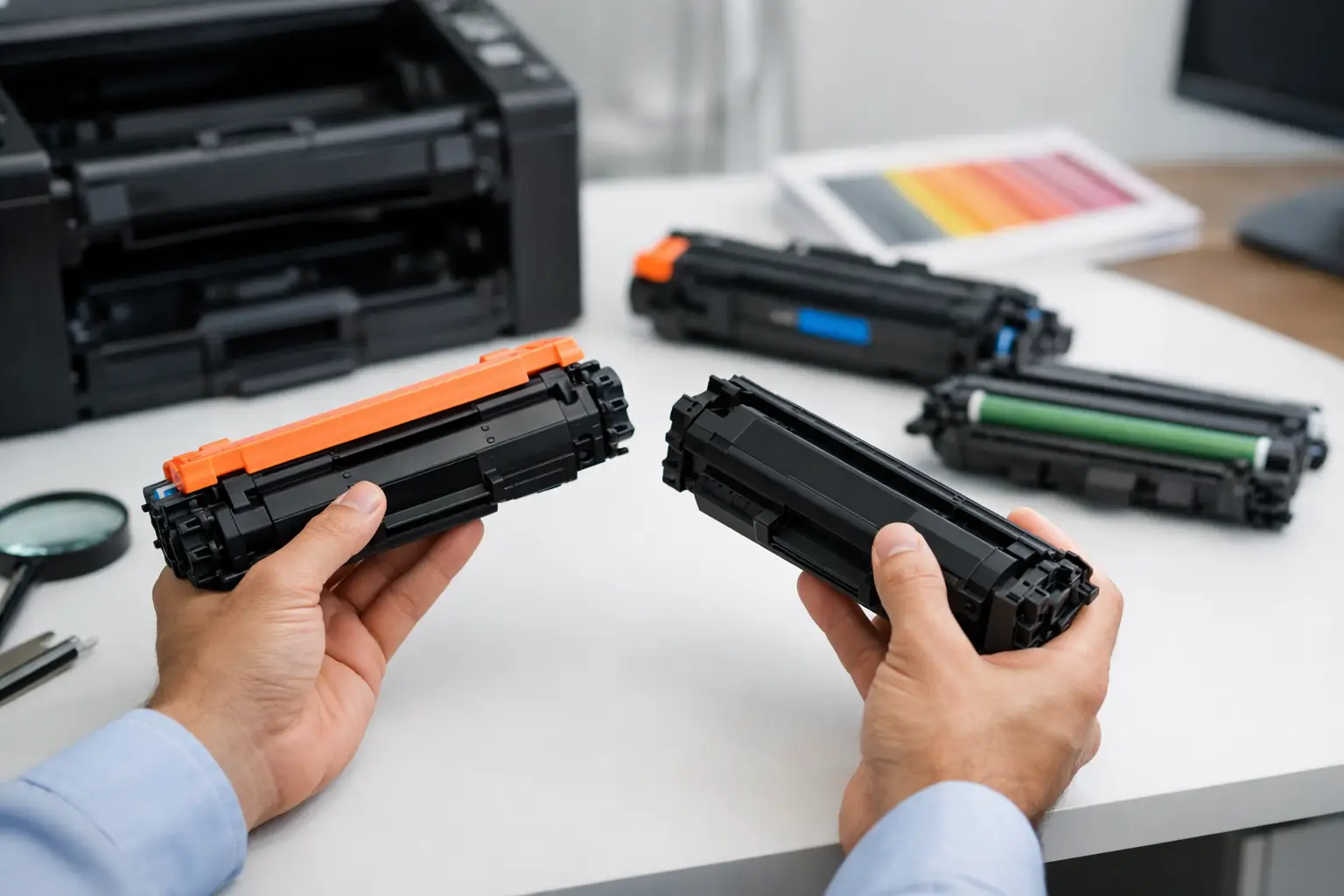
A printer always seems to run low at the worst possible time – before an assignment is due, when invoices need to go out, or halfway through a busy workday. Choosing the right toner cartridges before that happens keeps printing simple, affordable, and reliable.
For home users and businesses alike, the goal is not to learn every technical detail about laser printing. It is to find a cartridge that fits the exact printer model, produces clean pages, and delivers good value from the first print to the last. Here is what matters when it is time to reorder.
Start With Your Printer Model, Not the Cartridge Color
The quickest way to avoid a wrong purchase is to check the printer model printed on the front, top, or back of your machine. Brand names alone are not enough. HP, Brother, Canon, Samsung, Fuji Xerox, and other manufacturers make many printers that use different cartridge series, even when the machines look similar.
Write down the complete model number before shopping. A printer might be labeled as a Brother HL series machine, for example, but the full model number confirms which toner and drum unit it accepts. If you still have the old cartridge, its cartridge code is another useful reference point.
This simple check prevents the most common ordering problem: buying a cartridge that is right for the brand but wrong for the printer. It also makes future orders faster. Keep the cartridge code in a note on your phone, in the office supply cupboard, or with your printer paperwork.
Toner Cartridges vs. Ink Cartridges
Toner cartridges are made for laser printers. They contain a fine powder that is fused onto paper using heat, creating crisp, durable text and sharp black-and-white documents. Laser printers are often a practical choice for frequent printing, office paperwork, school materials, and high-volume text documents.
Ink cartridges are used in inkjet printers and contain liquid ink. They are commonly preferred when color photos, graphics, or occasional home printing are the priority.
The distinction matters because ink and toner are not interchangeable. If your printer is a laser model, it needs toner. If it is an inkjet model, it needs ink cartridges. Checking your printer type first saves time and avoids ordering supplies that cannot be used.
OEM or Compatible Toner: What Is the Difference?
OEM toner is made by the original printer manufacturer. Compatible toner is made by a third-party manufacturer to work with specific printer models. Both options are designed to serve the same purpose, but they differ significantly in price.
For customers watching everyday printing costs, compatible toner can be a sensible alternative. A well-made compatible cartridge can produce clear documents and dependable page output without the premium price associated with many OEM supplies. This is especially useful for home offices, students, small businesses, and anyone replacing cartridges regularly.
The trade-off is that quality can vary between suppliers. The cheapest listing is not always the best value if the cartridge has poor print consistency, a low actual yield, or unclear compatibility details. Buy from a supplier that clearly states the printer models supported and stands behind its products with a fair return, refund, or replacement policy.
At Inktoner Cartridge, the focus is on compatible printer consumables that offer reliable everyday performance at a price that fits real printing budgets. That means customers can shop by printer brand and cartridge code instead of guessing.
Look Beyond the Upfront Price
A low cartridge price is appealing, but cost per page is often the better measure of value. Standard-yield toner cartridges cost less initially and suit light, occasional printing. High-yield cartridges usually contain more toner and can lower the cost of each page when you print frequently.
For a household printing a few forms, recipes, school notices, and occasional documents, a standard-yield cartridge may be the most practical choice. For an office producing invoices, reports, packing slips, training materials, or customer paperwork, high-yield toner can reduce the number of replacements needed over time.
Page-yield figures are estimates, not guarantees. They are generally based on controlled test pages with modest text coverage. A page with a short paragraph uses far less toner than a full-page graphic, bold heading, or dense spreadsheet. If your work regularly includes heavy text, large solid areas, or frequent graphics, expect the cartridge to last for fewer pages than the stated estimate.
Check Whether Your Printer Uses a Separate Drum Unit
Some laser printers use an all-in-one cartridge, where the toner and drum are combined in one replaceable unit. Others, especially many Brother models, use a separate toner cartridge and drum unit.
The toner cartridge holds the powder used to create the image on the page. The drum unit transfers that image onto the paper. They wear out at different rates, so replacing toner does not always mean the drum needs replacing too.
If pages are printing faintly because toner is low, replacing the toner cartridge is usually the answer. But repeated streaks, marks, gray background shading, or print defects that remain after fitting a new toner cartridge may point to a worn drum unit. Your printer may also display a drum replacement message when it is time.
Checking this before ordering helps you buy only what is needed. It also avoids the frustration of installing fresh toner and finding the print issue remains.
Get Better Results From Every Cartridge
Good toner cartridges do their best work when the printer is maintained reasonably well. You do not need a complicated maintenance schedule, but a few habits can prevent avoidable printing problems.
Store unopened cartridges in a cool, dry place and keep them in their sealed packaging until needed. Avoid direct sunlight, extreme heat, and damp storage areas. When installing a new cartridge, follow the printer instructions and remove all protective seals or tabs before use.
If a cartridge has been stored for a while, gently rock it side to side as directed by the manufacturer before installation. Do not shake it aggressively. This can help distribute toner evenly and may improve early print consistency.
Use the right paper for the job and keep paper dry. Damp, curled, or low-quality paper can cause jams, poor toner adhesion, and uneven output that looks like a cartridge problem but is not. For business documents, clean printer paper also helps preserve a professional finish.
Avoid Running Out at the Wrong Time
Waiting until the printer stops completely is a risky way to manage supplies, particularly for a small business or home office. A low-toner message is the right time to order a replacement, even if the printer still has some pages left.
Keeping one spare black toner cartridge on hand is often enough for most users. Businesses with several printers, high print volumes, or time-sensitive paperwork may benefit from holding extra supplies for their most-used models. The right amount depends on printing volume, storage space, and how quickly replacements can be delivered.
It also helps to standardize printers where possible. If a small office uses several machines that take the same toner cartridge, ordering is easier, stock control is simpler, and last-minute shortages are less likely.
Choose a Supplier That Makes Reordering Easy
Finding the right cartridge should not involve sorting through vague descriptions or wondering whether a compatible option will work. Clear product information, printer-model matching, secure checkout, prompt delivery, and customer support all matter when printing is part of your daily routine.
A dependable supplier should make compatibility easy to confirm and provide a clear path if an item arrives damaged, faulty, or unsuitable. Return and replacement protection provides extra reassurance when choosing a compatible cartridge for the first time.
The best toner purchase is the one that arrives before printing becomes urgent, fits without trouble, and gives you consistently clean pages at a sensible cost. Keep your printer model and cartridge code handy, order before the last page prints, and let your supplies support the work you need to get done.